All toolsRecaps
A receipt for the bigger picture.
Gather captured UTC days into a weekly or monthly recap receipt. Coverage is printed on the paper, so a missing day is never hidden.
Example history
A week or a month on one receipt, with its coverage printed on the paper.
TotalsShown only when every day is there.
CoverageHow many complete UTC days were captured.
LAST 7 DAYS · 20 OCT–26 OCT 2026 UTC7 of 7 complete UTC days captured · today excluded
The sample month is missing one day, so its totals stay at “—”.
A week, exported.
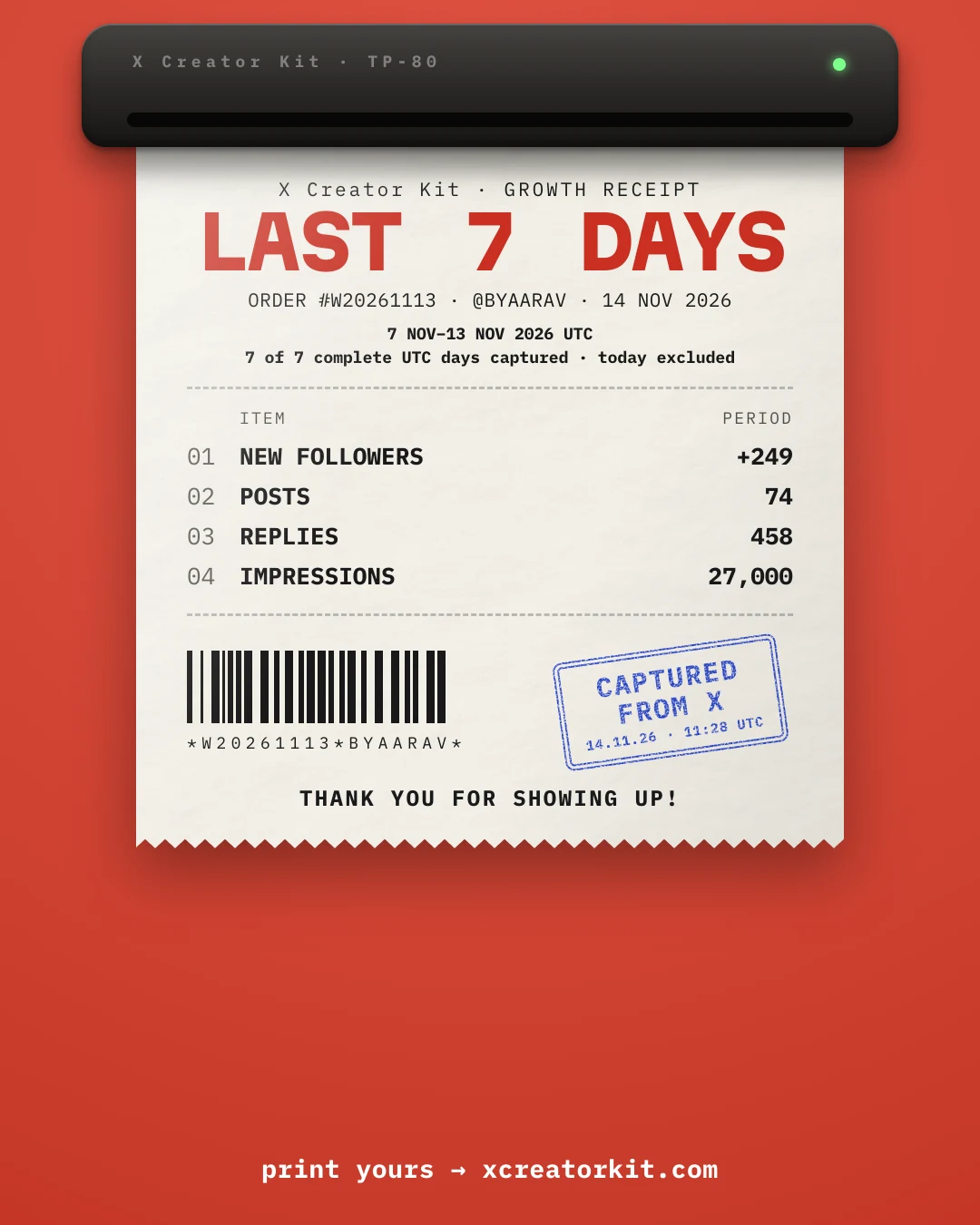
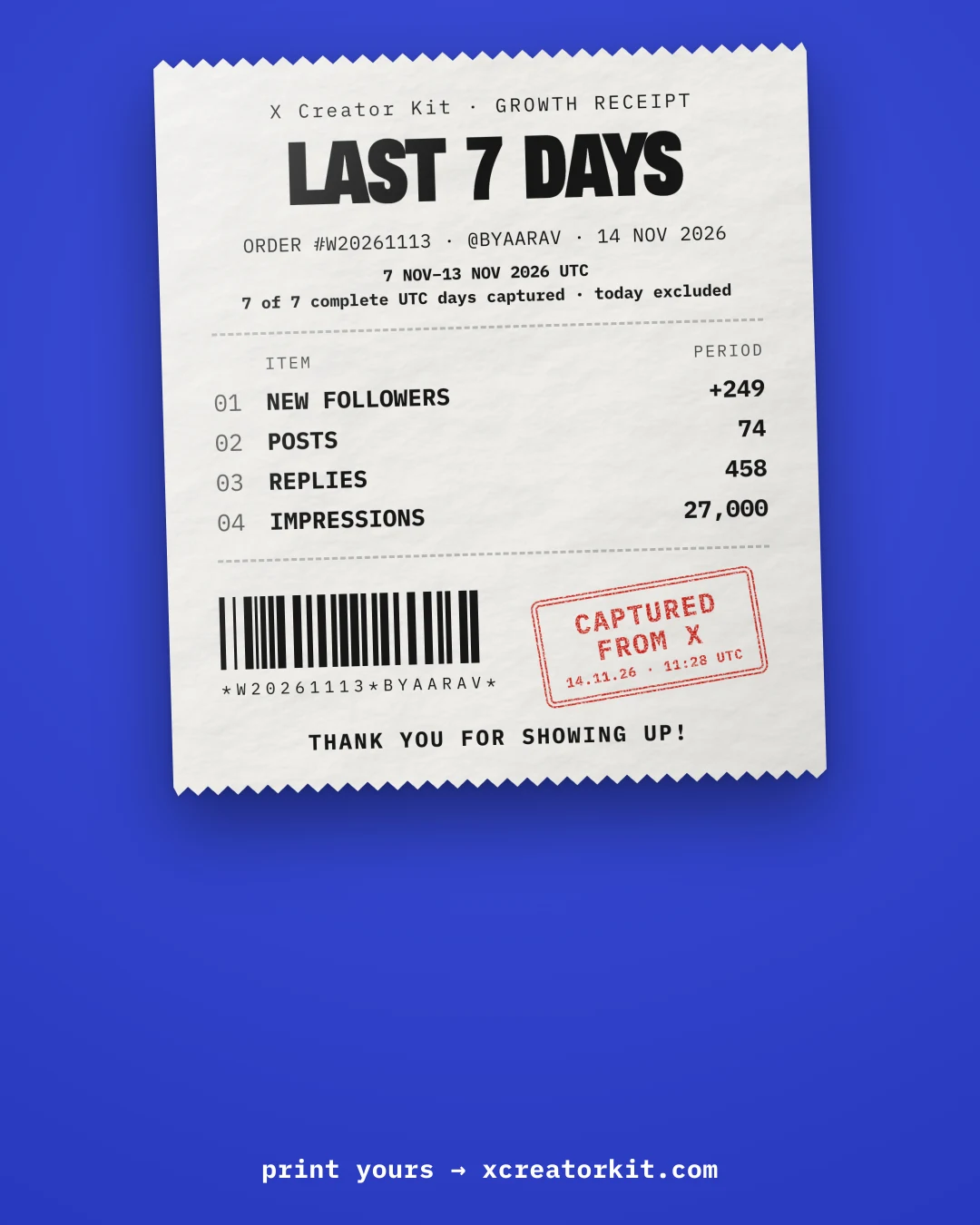
See the period and its coverage.
Capture your days
Daily analytics readings give the recap its numbers. Missing days stay missing.
Choose Week or Month
The receipt switches period and keeps the same scene and colourway.
Export your recap
Copy or download a PNG after checking the period label and coverage.
Growth recap questions.
How are dates counted?
Every period and date is in UTC. A week covers the last seven complete UTC days. Month covers the current UTC month through yesterday. Today is excluded from both.
What happens when a day is missing?
The recap discloses how many expected days were captured. A total appears only when every expected day and required field is available; otherwise it shows “—”.
Can I use the same receipt styles?
Weekly and monthly recaps use the same six scenes and six colourways as daily growth receipts.
More from the kit.
Seven tools in one free Chrome extension.