X Creator Kit · INSTALL RECEIPT
- Chrome extension
- $0.00
- 36 receipt styles
- incl.
- 8 metrics to pick from
- incl.
- Daily receipts
- unlimited
- Copy or download PNG
- incl.
TOTALFREE
Add to ChromeFree · Runs right in your browser
THANK YOU FOR SHOWING UP!
Chrome extension for X creators
Open X Analytics, choose Read in the extension, then copy or download your growth receipt.
Illustrative receipt preview · Free · Your captured numbers stay in your browser
You did the work today.
Here is the receipt.
Counts up from your first day, on the same UTC clock X uses for analytics.
New followers, posts, replies, impressions, likes, profile visits or engagement rate.
Verified impressions toward 500K, with an ETA only when your pace supports one.
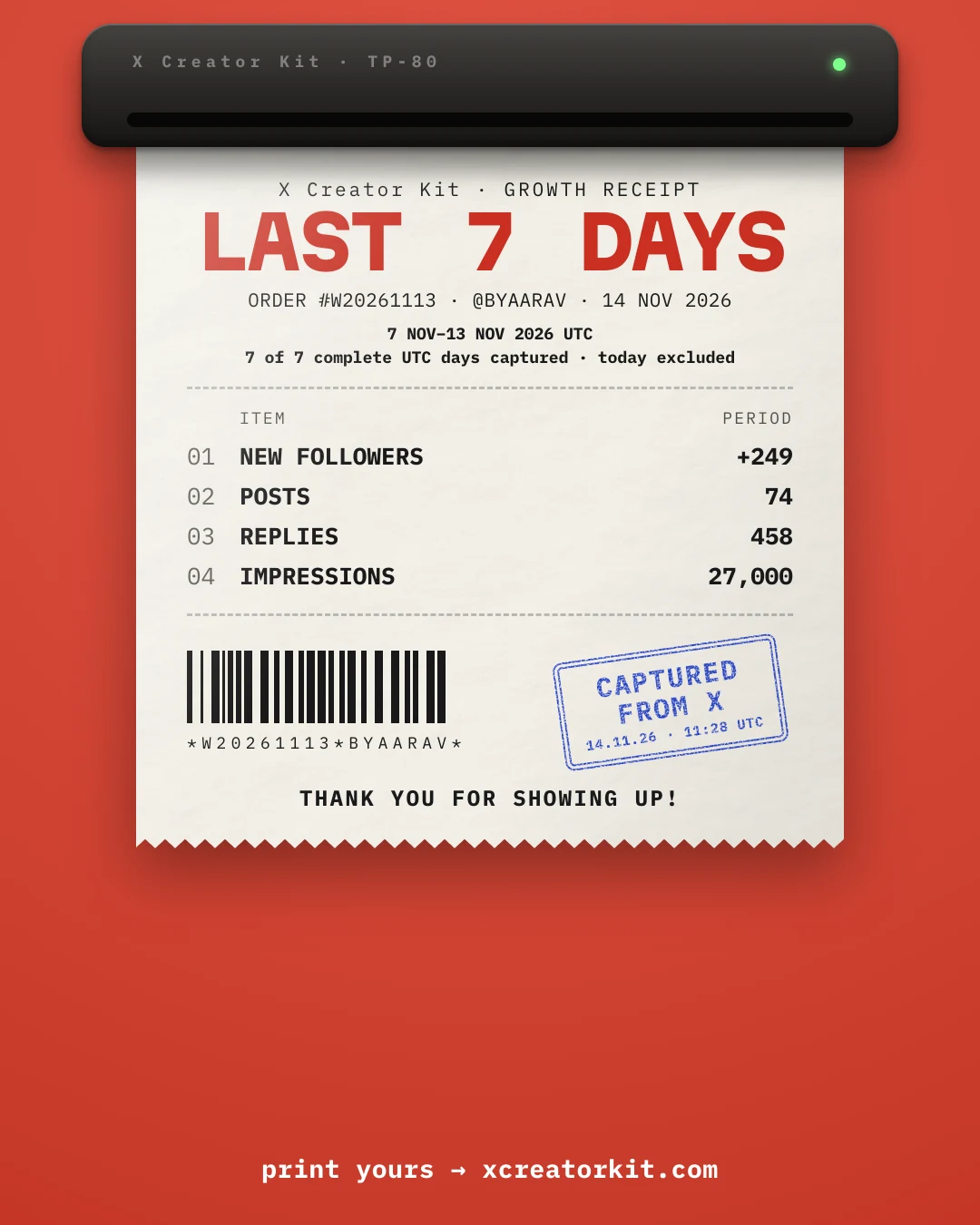
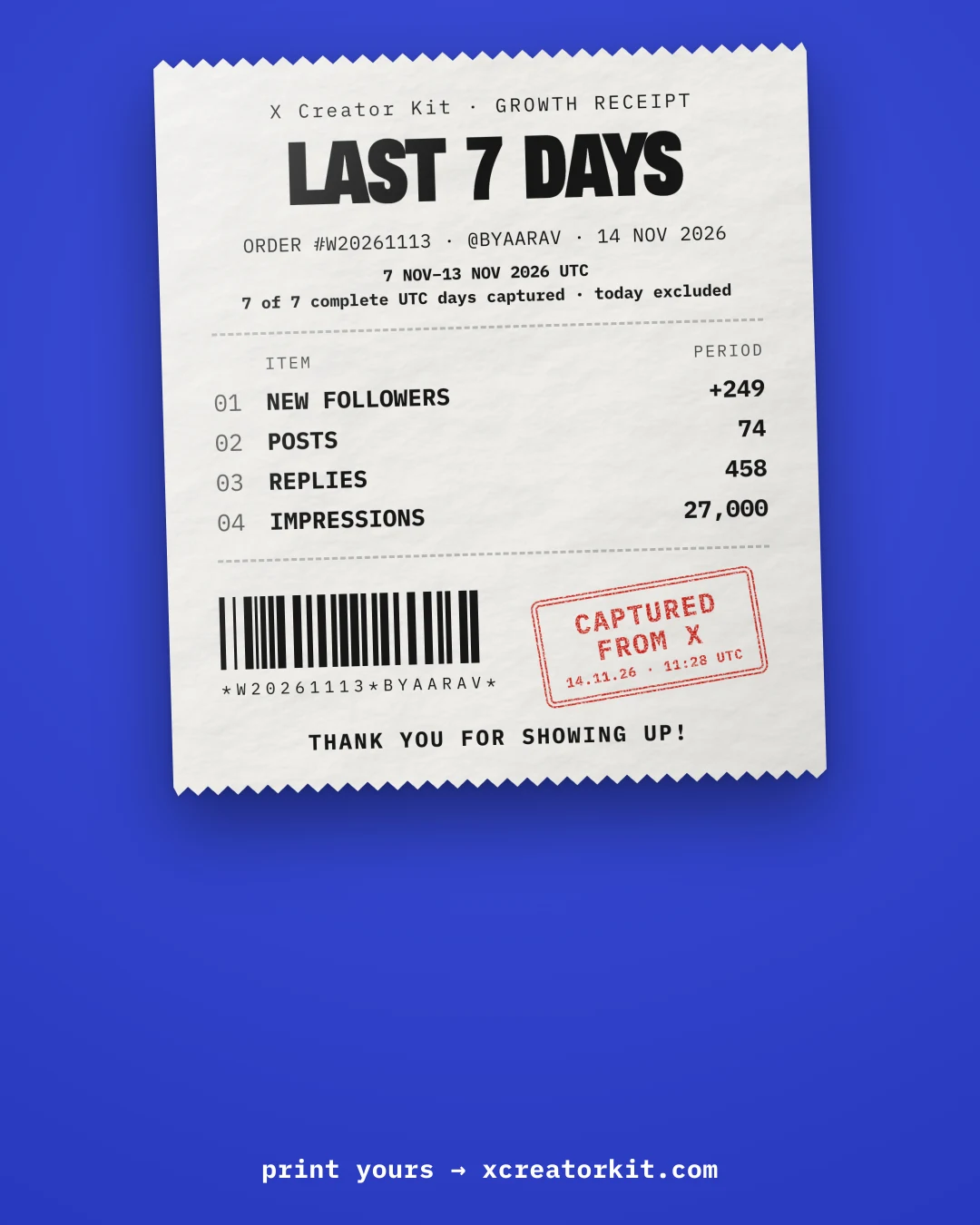
The stamp only prints when the numbers were read from X itself, with the time in UTC.
Styles
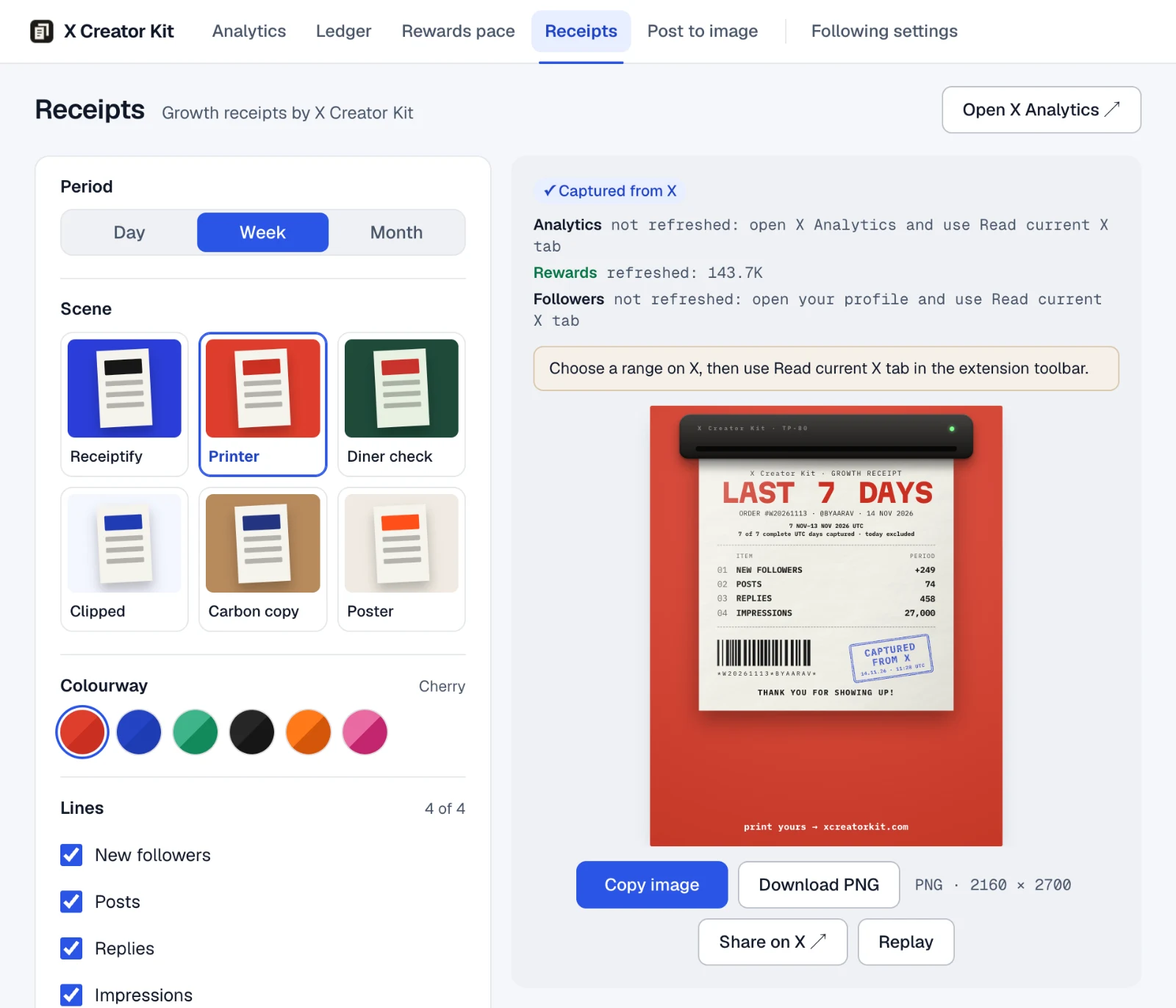
Pick a scene, tap a colour, and the illustrative receipt reprints. Every one exports at 2160 by 2700, the size X shows in full.
Open your X Analytics, Rewards or profile page, click the extension icon, then choose “Read current X tab”. Each read saves only the matching page you have open. For Analytics, it saves the loaded range and audience.
Choose one of six scenes and six colourways, then up to four lines: new followers, posts, replies, impressions, likes, profile visits and more.
Copy the image for X’s composer or download the PNG. You decide whether to post it. Your Day N follows your chosen Day 1 in UTC.
On your timeline
Day 3 or Day 214, a 4:5 receipt shows uncropped in the feed, so the whole story reads at a glance.
Illustrative posts. These people, handles and numbers are made up.
FAQ
No. The kit reads visible numbers on the X source pages you choose, the Following badge for highlighting, and a post you choose for an image. It never reads cookies, tokens or messages.
Nowhere. They are stored in your browser's extension storage. There is no X Creator Kit server and no analytics. The image only leaves your machine when you paste or upload it.
The stamp appears only when the extension read the numbers from X itself. The preview you see before your first capture prints without it, so a stamped receipt is the real thing.
Never. X Creator Kit opens X's composer and copies the image. You press post.
Nothing. There is no account and no subscription.
New followers, posts, replies, impressions today, impressions compared with yesterday, likes, profile visits and engagement rate. Up to four per receipt, plus your rewards progress when X shows it.
At midnight UTC, the same clock X uses for its analytics. The time on every receipt is UTC too.
Chrome on desktop, and Chromium browsers that install from the Chrome Web Store, such as Edge, Brave and Arc.
Seven tools in one free Chrome extension.
Install, capture your numbers, and choose the UTC date you call Day 1.
X Creator Kit · INSTALL RECEIPT
TOTALFREE
Add to ChromeFree · Runs right in your browser
THANK YOU FOR SHOWING UP!